
Insight 15 · September 2026 · Business Systems
What a Useful Business Dashboard Should Show
Design a dashboard around a few decisions, with owners, current data and exceptions someone can act on.
About 2 min read
View the visual summary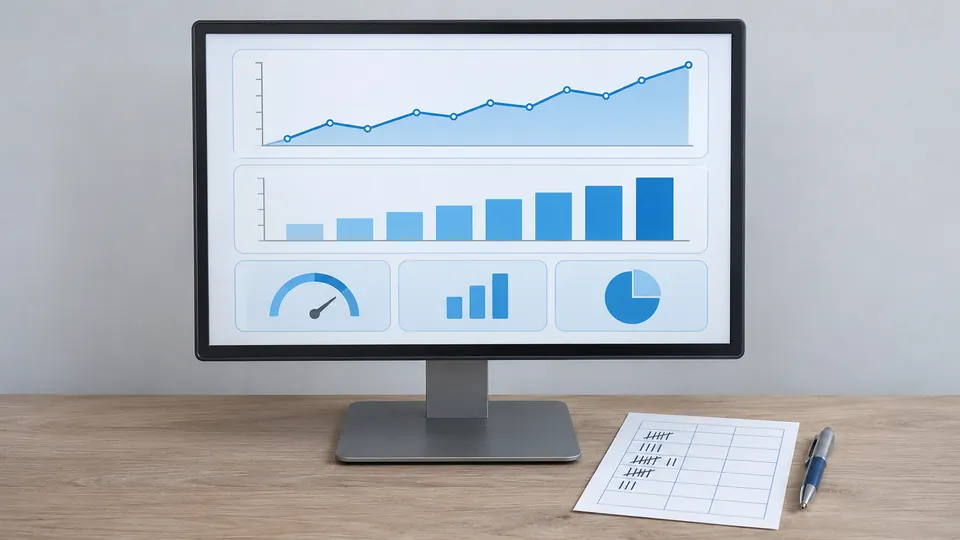
At a glance
A dashboard should turn information into a useful next decision.
- 01ObjectiveWhat are we trying to do?
- 02Current statusWhat is happening?
- 03What needs attention?Where is attention needed?
- 04ActionWho does what next?
Put unanswered requests and trips that still need a guide where staff can see them first.
A dashboard is one screen where you can see important numbers and work that needs attention. If the first screen tells a tour manager that enquiries are up 12% but hides an unanswered request for tomorrow, it’s showing the wrong thing first. Start with the work a manager came to the dashboard to do.
Give today’s decisions the first screen
- What needs a reply? Show open enquiries with requested dates, an owner and the time since the last useful reply.
- What needs staffing? Show near-term trips with a missing guide or a date still waiting for approval.
- How did the month go? Show confirmed trips and qualified enquiries over a stated period, with their source and any incomplete data labelled.
The Charlie Leslie Fly Fishing Trip Desk connects trip requests, planned dates and guide assignments. That is useful because a team member can act on the same request after seeing an exception.
Remove numbers with no decision attached
For every figure, identify who updates it, when it was checked and what somebody will do if it changes. If nobody has an answer, leave it off the main screen. Give individual guest details only to the staff who need them for their work.